
From the archive · published December 2024. Facts on this page may be out of date. For current Houston housing, see the blog or our homes.
Houston Methodist MyChart is the free patient portal at mychart.houstonmethodist.org for records, test results, messages, appointments, and bills. Sign up with the activation link you get at a clinic visit or after a hospital stay, or select Sign Up Now on the MyChart site if you don’t have one. Activation codes expire after 90 days. For login help, Houston Methodist customer service is at 832.667.5694. It is not a housing program. For a 30-night furnished home near the Fannin campus, see Houston Methodist housing.
This page is campus notes on Houston Methodist MyChart. It is not housing and it does not book a stay. For a furnished home of 30 nights or longer near Fannin, call (832) 304-3322, email Info@Luxurway.com, or send dates at /contact. The FAQs below cover the patient portal only.
Call 832-304-3322 or Email Info@Luxurway.com for availability and pricing for Houston Methodist patient furnished apartments and homes for your family.
This page does not book housing. For a furnished home of 30 nights or longer, see Houston Methodist housing.
FURNISHED HOMES
Featured homes
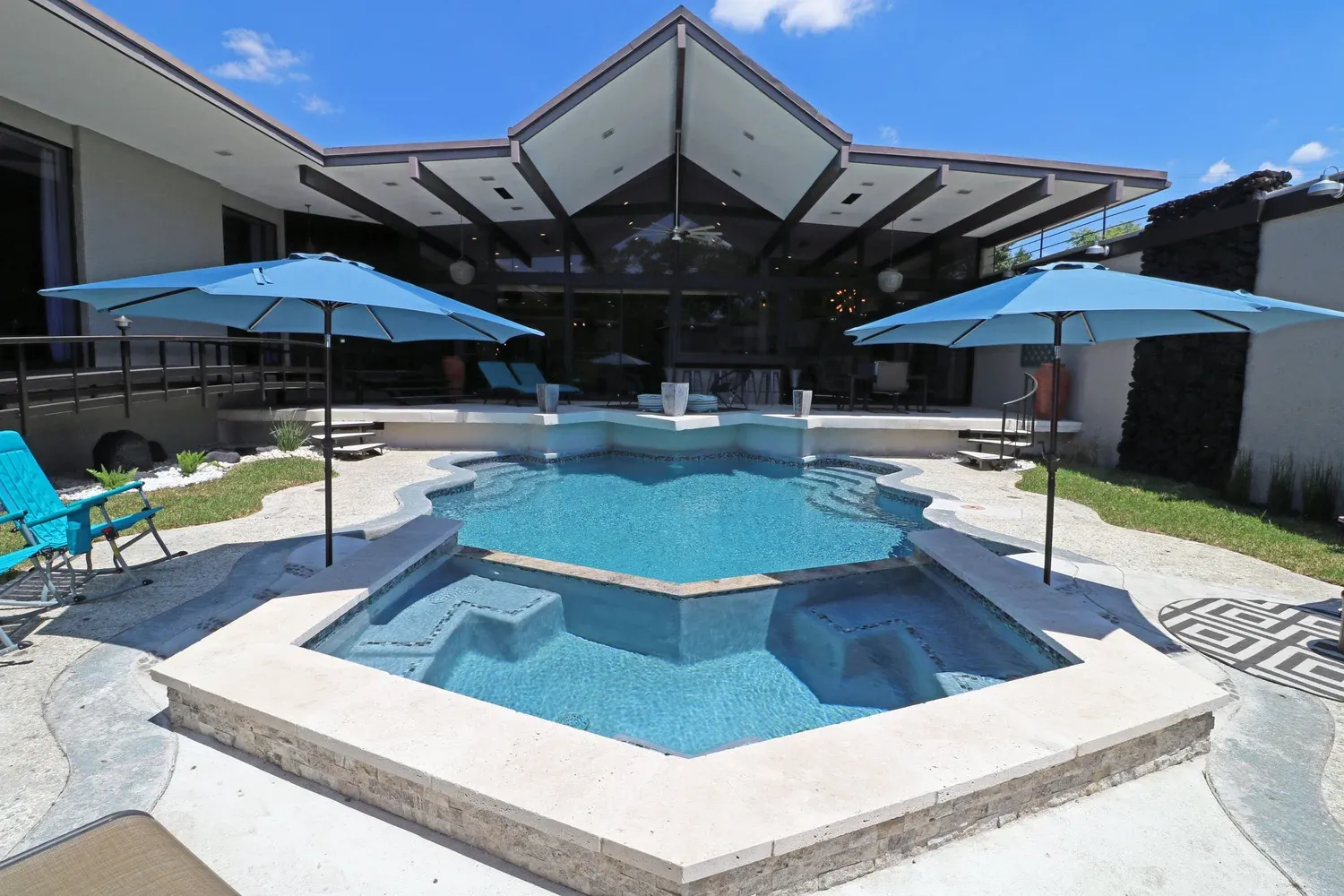
A few furnished homes in the Texas Medical Center.
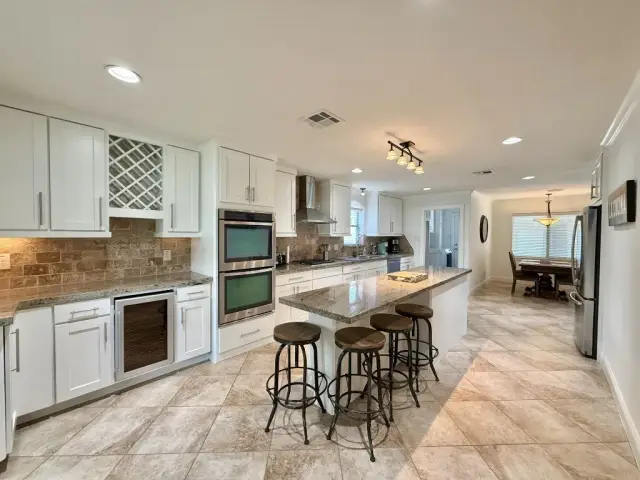
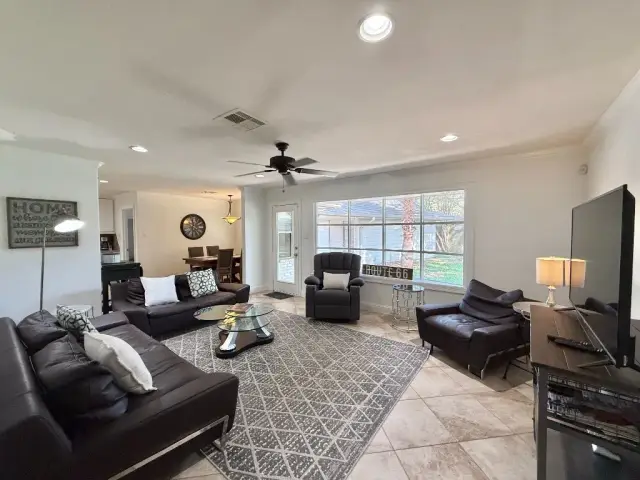
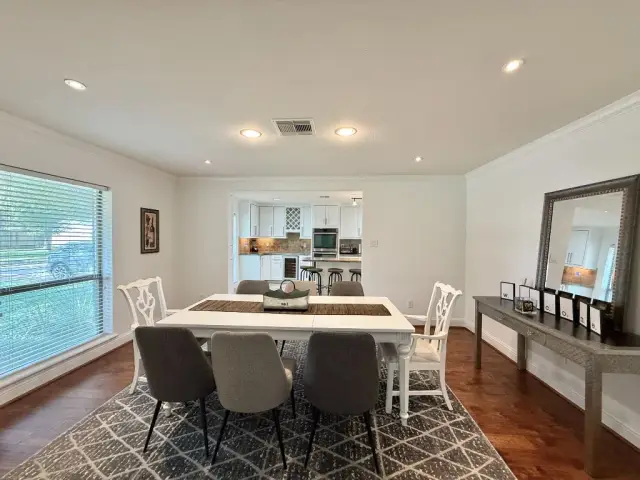
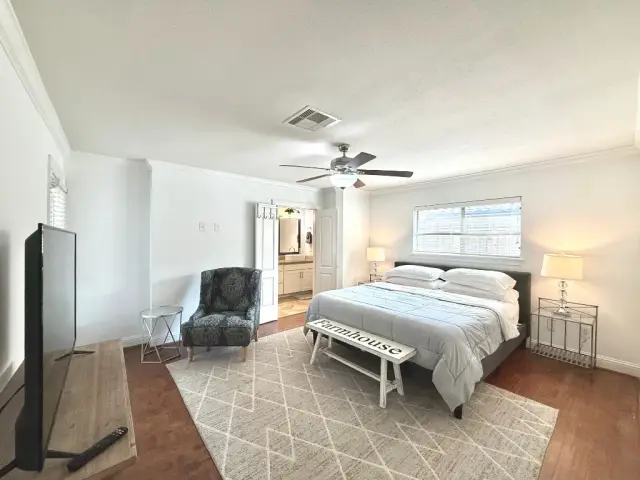





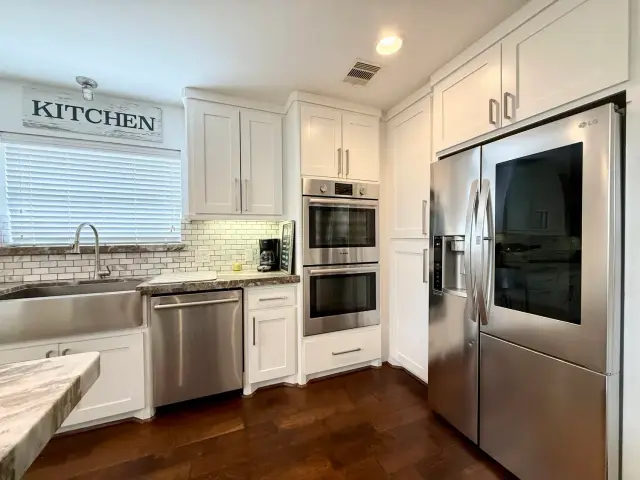






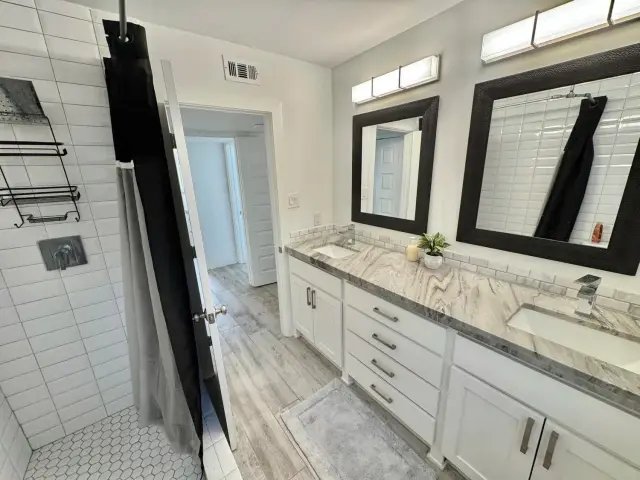
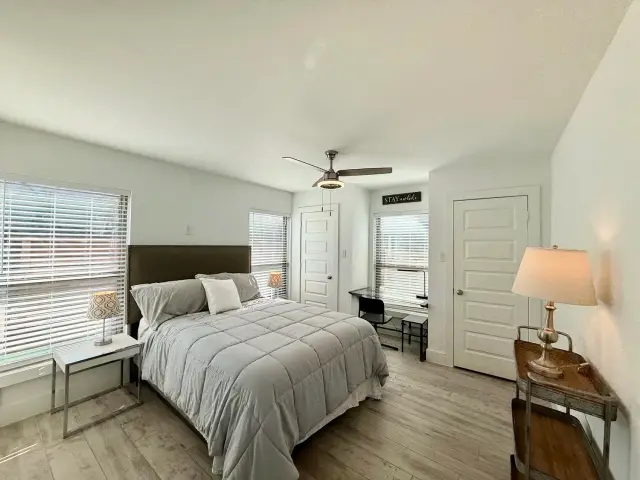




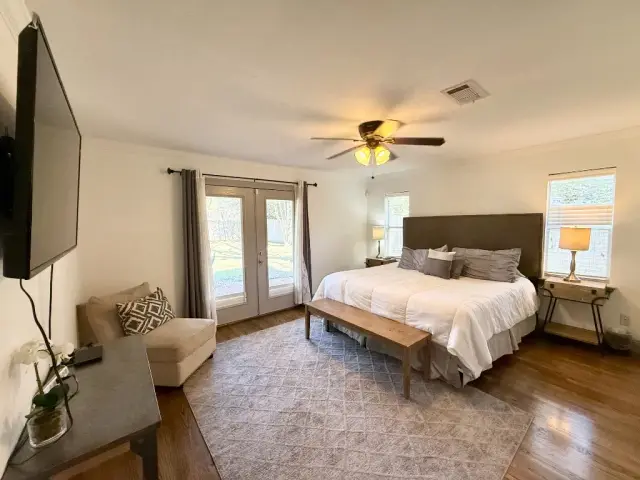
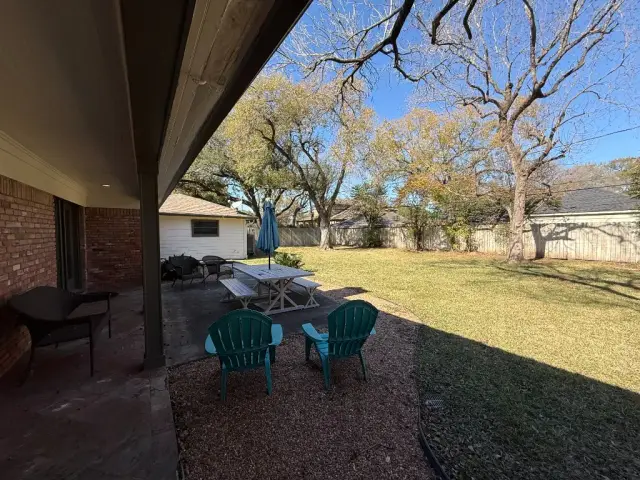

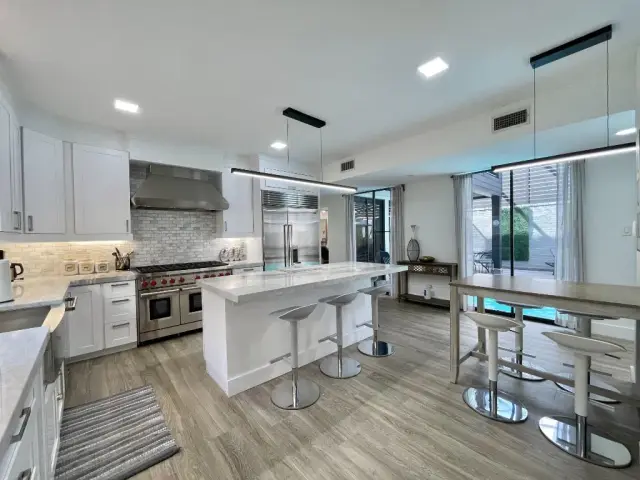




Featured houses and apartments · 30+ night minimum · Confirm dates and current pricing with our team.
1. What is Houston Methodist MyChart?

Houston Methodist MyChart is a patient portal that allows individuals to access and manage their healthcare information online. The platform enables patients to connect with their healthcare providers, view their medical records, schedule appointments, request prescription refills, and receive test results—all from the convenience of their phone, tablet, or computer. The goal of MyChart is to improve communication between patients and their medical team, streamline healthcare management, and ensure patients have greater control over their health and wellness.
Key Features of MyChart:
| Access to Medical Records | View lab results, immunization history, past visits, and more. |
|---|---|
| Appointment Scheduling | Book new appointments or reschedule existing ones. |
| Prescription Refills | Request prescription refills and view your medication list. |
| Secure Messaging | Send messages to your doctors or care team for non-urgent questions. |
| Billing | View your medical bills, make payments, and access financial information. |
2. How Do I Sign Up for MyChart?
Signing up for MyChart is simple and can be done in a few easy steps. You will need a personal email address to complete the registration process.
Steps to Sign Up:
-
Get an Activation Link or Code: Houston Methodist issues a MyChart activation link during a clinic visit or after a hospital stay. The link or code expires after 90 days and works only once. If you don’t have one, select Sign Up Now on the MyChart site instead (Houston Methodist MyChart).
-
Go Online: Visit the Houston Methodist MyChart website (https://mychart.houstonmethodist.org) or download the MyChart app on your smartphone from the App Store (for iPhone) or Google Play (for Android).
-
Enter the Activation Code: Follow the prompts to enter your activation code. This will allow you to create your MyChart account.
-
Create a Username and Password: Choose a secure username and password that you will use to log in to your MyChart account.
-
Review Your Information: Ensure your personal details, including your contact information and medical history, are up to date.
-
Complete Registration: Once you’ve completed these steps, your account will be activated, and you can begin using MyChart.
If you already have an account with Houston Methodist, you can use the "Forgot Username" or "Forgot Password" options on the website or app if needed.
3. How Do I Access My Health Records on MyChart?

One of the most valuable features of MyChart is the ability to easily access your health records and track your medical history. You can view your test results, medication list, allergies, and immunization history whenever you need it.
To Access Your Health Records:
-
Log into MyChart using your username and password.
-
Navigate to the "Health" section of the dashboard.
-
Click on the specific record you wish to view, such as Lab Results, Medications, Immunizations, or Visit History.
If you have had recent visits or tests performed, your results will be available in real-time, and you will be notified when new information is posted. This is a secure way to stay informed about your health status and track any ongoing treatments.
3. Methodist Sugar Land Hospital

Located in the city of Sugar Land, southwest of downtown Houston, Methodist Sugar Land Hospital serves as a community hospital that offers a wide range of medical services. This facility is designed to provide comprehensive care to residents in Sugar Land and surrounding areas, including Fort Bend County.
Services Offered:
| Emergency Care | Methodist Sugar Land’s emergency department is available 24/7 for urgent medical needs. |
|---|---|
| Surgical Services | The hospital offers a full suite of surgical treatments, including minimally invasive surgeries and robotic-assisted surgeries. |
| Cancer Care | The hospital features a comprehensive cancer care center, providing chemotherapy, radiation therapy, and access to clinical trials. |
| Heart & Vascular Care | Specialized cardiovascular services including diagnostic testing, heart surgery, and heart failure treatments. |
| Maternity Services | Methodist Sugar Land provides a range of obstetrics services, including prenatal care, labor and delivery, and postpartum support. |
| Outpatient Services | Including diagnostic imaging, laboratory testing, and physical therapy. |
Address: 16655 Southwest Freeway, Sugar Land, TX 77479 Phone: 281-274-7000 Website: Methodist Sugar Land Hospital
Accessing Methodist Sugar Land Hospital:
| Parking | Ample parking is available in several on-site lots, with special accommodations for disabled parking. |
|---|---|
| Public Transportation | The hospital is accessible via bus services, though there may not be direct public transit connections from central Houston. |
| Shuttle Service | There are no shuttle services to other Methodist locations, but local transportation options can be explored. |
4. How Do I Schedule Appointments Using MyChart?
Scheduling appointments is a quick and simple process through MyChart. You can request new appointments, check availability, and book a time that fits your schedule.
Steps to Schedule an Appointment:
-
Log into MyChart.
-
Click on the "Appointments" tab.
-
Choose the type of appointment you would like to schedule (e.g. Primary Care, Specialist, or Procedure).
-
Browse available appointment times and select the one that works for you.
-
Confirm your appointment details and submit the request.
Once your appointment is scheduled, you will receive a confirmation via email or text message, and you can review or make changes to your appointment at any time through MyChart.
If you are unable to schedule an appointment through the app or website, you can always call the Houston Methodist appointment line at 713-790-3311.
5. Can I Request Prescription Refills Through MyChart?
Yes! MyChart allows you to request prescription refills online, making it easier to manage your medications. You can also track your prescriptions to ensure that you never run out of essential medications.
Steps to Request a Prescription Refill:
-
Log into MyChart.
-
Navigate to the "Medications" section.
-
Find the prescription that you would like to request a refill for.
-
Click "Request Refill" and follow the prompts to send the request to your prescribing provider.
-
Your healthcare provider will review your request and either approve it or contact you if further information is needed.
Once your refill is approved, the pharmacy will process it, and you will be notified when it’s ready for pickup or delivery.
6. How Can I Communicate with My Healthcare Provider Using MyChart?

MyChart includes a secure messaging feature that allows you to send messages directly to your healthcare provider. This can be helpful for non-urgent medical questions, follow-up inquiries, or to request general information. You can expect a response typically within a few business days, though urgent matters should be addressed through a phone call or an in-person visit.
Steps to Send a Message:
-
Log into MyChart.
-
Go to the "Messages" section and click "Send a Message".
-
Select the recipient (e.g. your primary care provider or a specialist).
-
Compose your message and click "Send".
-
You will receive a response from your provider through MyChart.
This feature helps keep communication open between you and your healthcare team, ensuring that your health concerns are addressed in a timely and efficient manner.
7. How Do I View My Medical Bills on MyChart?
Another great feature of MyChart is the ability to manage and view your medical bills online. This includes the ability to view charges for recent visits, procedures, and treatments, and make payments directly through the platform.
Steps to View and Pay Your Bill:
-
Log into MyChart.
-
Click on the "Billing" tab.
-
Review your outstanding charges, payments, and account balance.
-
If you wish to make a payment, follow the instructions to pay securely online.
MyChart makes it easier to stay on top of your medical finances, with the ability to view a breakdown of your charges, track insurance claims, and pay bills without needing to call the hospital or visit in person.
8. Is My Personal Information Secure on MyChart?
Yes, MyChart uses the highest standards of security to protect your personal health information. It is fully HIPAA-compliant, meaning your health data is safeguarded with encryption and other security measures. Only you and your healthcare team can access your account, and you are responsible for ensuring that your login credentials are kept secure.
9. Can I Access MyChart on Mobile Devices?
Yes! MyChart is available as a mobile app for both iOS and Android devices. The app can be downloaded for free from the App Store or Google Play. With the mobile app, you can manage your healthcare on the go, including scheduling appointments, checking test results, and messaging your healthcare provider.
10. What Do I Do if I Have Trouble Accessing MyChart?

If you have trouble logging into your MyChart account or encounter any technical issues, there are a few ways to resolve them:
| Forgot Username or Password | Use the "Forgot Username" or "Forgot Password" options on the login page to reset your credentials. Houston Methodist customer service can also send a new password. |
|---|---|
| Technical Support | For MyChart questions, call Houston Methodist customer service at 832.667.5694, or use the Help section on the MyChart website or app. |
| Not for Emergencies | Do not use MyChart for urgent needs. For a medical emergency, dial 911. |
Houston Methodist MyChart is an essential tool for patients who want to take charge of their healthcare. By offering access to your medical records, the ability to schedule appointments, request prescription refills, and communicate securely with your healthcare provider, MyChart provides a seamless and convenient way to manage your health. Whether you are a first-time user or have been using MyChart for some time, this platform is designed to make your healthcare experience more efficient, organized, and accessible.
Make sure to sign up, explore the features, and take full advantage of everything MyChart has to offer!
Next Steps in your Houston Methodist Visit
Navigating the Houston Methodist hospital network provides patients with access to world-class healthcare services tailored to their needs. Whether seeking specialized treatment, routine care, or emergency services, Houston Methodist hospitals exemplify excellence in clinical care, research, and patient-centered initiatives. As the healthcare landscape evolves, Houston Methodist remains committed to advancing medicine and delivering compassionate, high-quality care to the communities it serves.
References
-
Houston Methodist. (n.d.). About Us. Retrieved from Houston Methodist Website
-
Houston Methodist Locations. (n.d.). Retrieved from Houston Methodist Locations
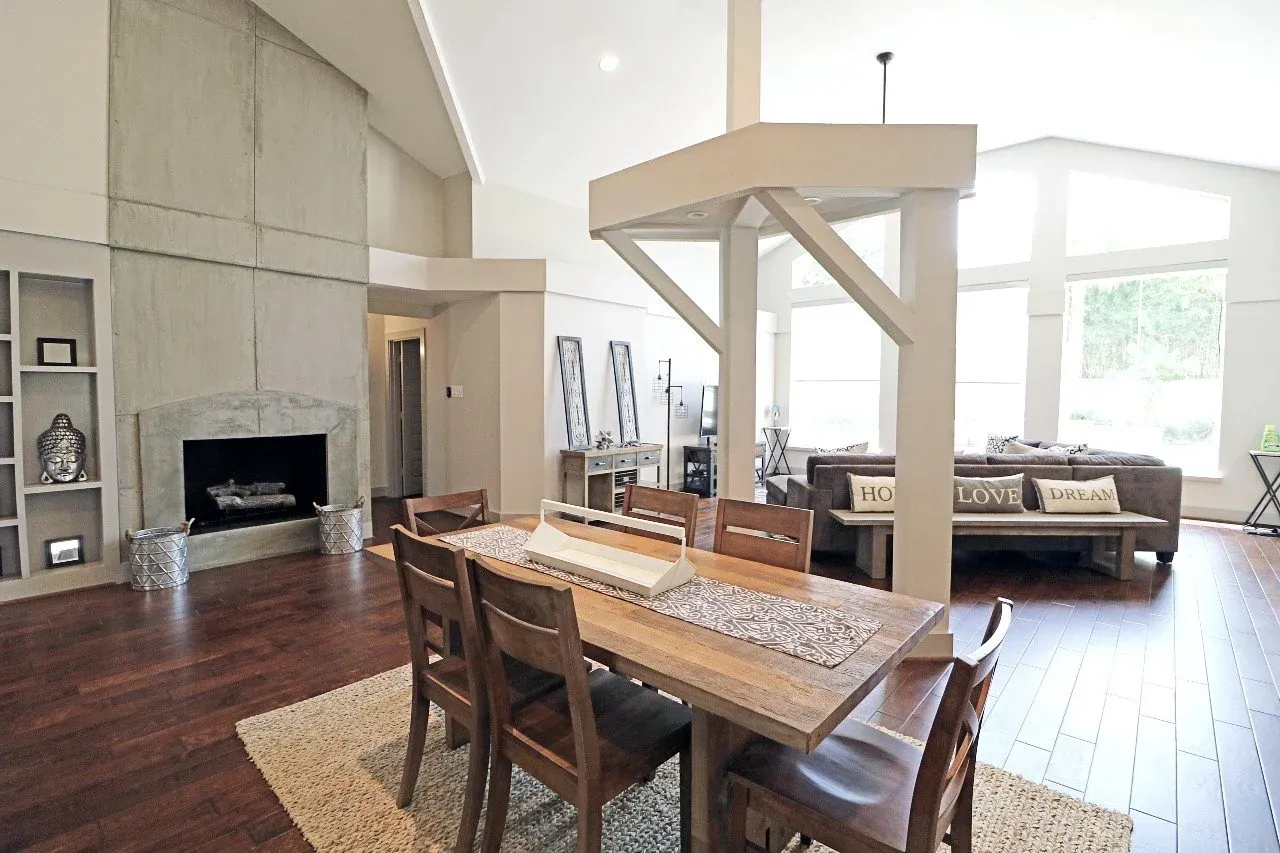
Luxurway offers a “home away from home” - Methodist Hospital patient housing in Houston
Luxurway offers comfortable and affordable Methodist patient housing with private fully-furnished homes for rent for Houston Methodist Hospital patients and their families. We understand you may be coming to receive treatment and need a warm and peaceful home to rent near Methodist Hospital. We are here to help.
The homes are luxury furnished and fully renovated, with utilities included, one to six miles from Methodist Hospital in Houston. For a short visit, a hotel still makes sense. For 30 nights, ask us which homes are open.
If you want dates and a rate, contact us.

No. Houston Methodist MyChart is the patient portal for records, messages, and appointments. It is not a housing program. Book a 30-night furnished home with Luxurway separately.
No. Patients arrange their own lodging. Hotels work for short visits; furnished homes work for 30 nights or longer.
Luxurway homes are for stays of 30 nights or longer. Guests can extend, subject to availability.
Each home lists its published 30-night rate. Ask the Houston team what that home costs for your dates.
Send your check-in date on the form. Call (832) 304-3322 or email Info@Luxurway.com to share guests, neighborhood, pets, and budget. Do not send private medical details through the housing form.
Where is the best place to stay near Methodist Hospital Houston? Luxurway offers high-quality, furnished lodging near Methodist Hospital, known for its luxurious accommodations and services.
Does Methodist Hospital have a shuttle to the airport? Houston Methodist’s out-of-town patient information does not list an airport shuttle. Visitors use rideshare, a taxi, or a rental car. A hotel shuttle, when one exists, is arranged with that hotel.
Is there a shuttle from Hobby Airport to Methodist Hospital? Houston Methodist’s out-of-town patient information does not list a shuttle from Hobby Airport. Visitors use rideshare, a taxi, or a rental car. A hotel shuttle, when one exists, is arranged with that hotel. Hobby is the closer airport.
Which airport is closer to Methodist Hospital in Houston? William P. Hobby Airport is closer to Methodist Hospital than George Bush Intercontinental Airport.
How big is Methodist Hospital in Houston? Methodist Hospital is one of the largest hospitals in the Texas Medical Center, with a vast campus featuring multiple specialized departments and medical facilities.
Is the Texas Medical Center the same as Methodist Hospital? No, the Texas Medical Center is a large complex that includes Methodist Hospital along with other hospitals, medical research centers, and academic institutions.
Does Methodist Hospital have multiple locations? Yes, Methodist Hospital has multiple locations across Houston, including specialized outpatient clinics and regional care centers.
What is Methodist Hospital Houston known for? Methodist Hospital is recognized for its high-quality medical care, specializing in cardiovascular, cancer, neurology, and orthopedic services.
What are the best things to see and do around my hotel near Methodist Hospital Houston? Nearby attractions include the Houston Museum District, Hermann Park, and the Museum of Natural Science, as well as the Houston Zoo.
What medical specialties does Methodist Hospital specialize in? Methodist Hospital specializes in a wide range of medical fields, including cardiology, cancer treatment, neurology, orthopedics, and emergency care.
How do I make an appointment at Methodist Hospital? Appointments can be made online through the hospital’s website or by contacting their patient services team.
What insurance plans does Methodist Hospital accept? Methodist Hospital accepts a variety of insurance plans. It is best to check their website or contact the billing department for specific details.
What is the survival rate for patients treated at Methodist Hospital? Methodist Hospital has excellent patient outcomes across many specialties, though specific survival rates vary by condition. These outcomes can be found on their website or by contacting patient services.
How does Methodist Hospital rank among hospitals? Methodist Hospital is consistently ranked among the top hospitals in Houston and nationwide for various specialties by organizations like U.S. News & World Report.
What clinical trials are available at Methodist Hospital? Methodist Hospital offers a range of clinical trials across various specialties, which can be explored on their website.
Does Methodist Hospital offer second opinions? Yes, Methodist Hospital offers second opinions for patients seeking additional confirmation or alternative treatment options.
What support services are available for patients and families? Support services at Methodist Hospital include counseling, nutritional guidance, spiritual care, social services, and patient advocacy.
How can I get to Methodist Hospital from the airport? Houston Methodist’s out-of-town patient information does not list an airport shuttle. Visitors use rideshare, a taxi, or a rental car from Hobby or George Bush Intercontinental. A hotel shuttle, when one exists, is arranged with that hotel. Hobby is the closer airport.
What accommodations are available for patients traveling to Methodist Hospital? There are various nearby hotels and housing options, including accommodations specifically designed for patients and their families.
FROM THE BLOG
Related guides
Furnished Housing Near Houston Methodist and Memorial Hermann
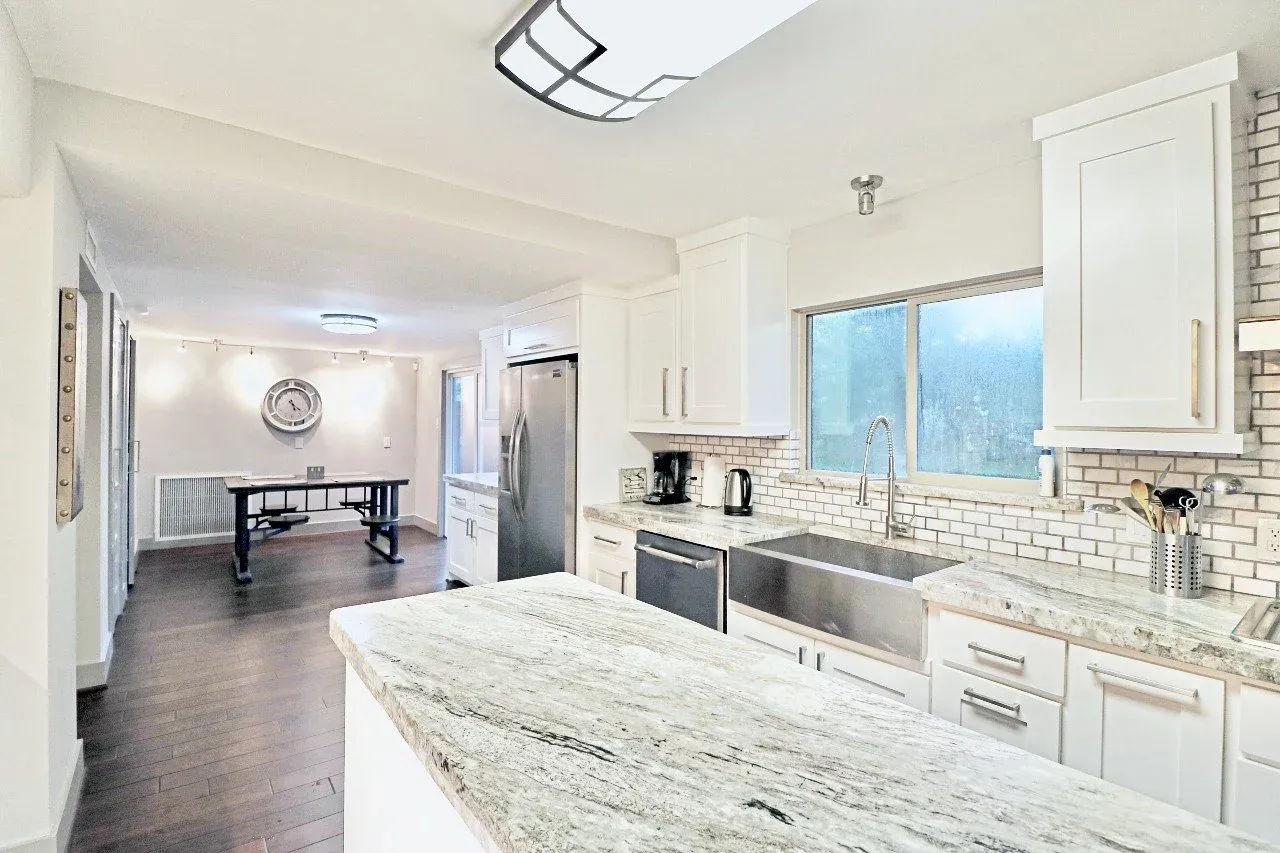
Furnished homes near Houston Methodist and Memorial Hermann for stays of 30 nights or longer. Some homes are one-story or ground-floor. Full kitchens, in-home laundry, utilities included. Luxurway offers a discounted rate for medical-visitor stays. Confirm layout on the listing.
Read article
Best Hotels in the Texas Medical Center Houston
For patients and family members at the Texas Medical Center in Houston, Texas, lodging near the hospital is extremely important during an extended stay. We’re here to assist you in locating hotels in the Texas Medical Center, showcasing their amenities and sharing helpful tips for a seamless experience.
Read article
Hotels near MD Anderson vs. MD Anderson Lodging (Homes, Apartments)
For patients seeking treatment at MD Anderson Cancer Center in Houston, let’s explore hotels near MD Anderson compared to other MD Anderson lodging options, from Luxurway’s private homes and apartments, to hotels and extended stay hotels, temporary housing rentals, etc. Call 832-304-3322 or Email Info@Luxurway.com for availability and pricing for furnished apartments and homes near MD Anderson.
Read article